Moving Past Points and Perks for Deeper Connection
Read More


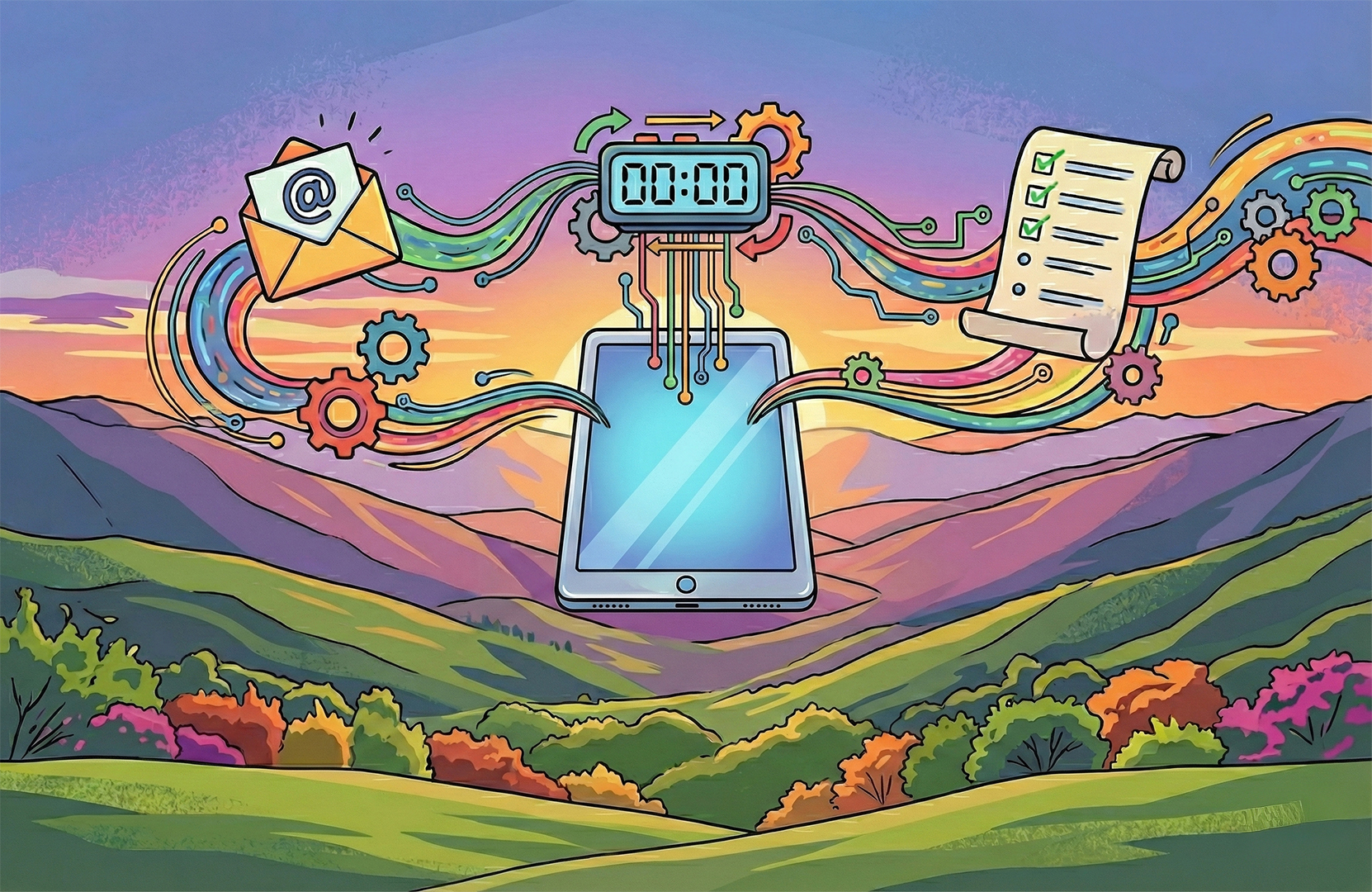
Not a week goes by that I don’t hear from someone that “email is dead.” The reality is that email has never been more alive. It’s constantly the central topic in privacy conversations and regulations across the globe. ISPs are continually working to protect the privacy of their users, and AI came onto the scene as a gift and a curse, dramatically improving our ability to connect with readers, while simultaneously empowering spammers to easily create convincing and malicious messages.
This rapidly evolving environment makes the one-year anniversary of Apple Mail’s latest privacy and inbox changes a great time to assess the impact and the opportunity.
Apple introduced two core changes with the release of iOS 18.2. The first follows what Gmail launched back in 2013, the tabbed inbox, which organizes emails into groups based on their purpose. While this feels disruptive, it actually works to align reader intent with email intent. Like Gmail, Apple automatically filters the emails, but the user is able to override those filters or skip the filters entirely and view a traditional, linear inbox.
TAB DEFINITIONS
The bigger change Apple introduced was incorporating Apple Intelligence into the Apple Mail inbox. Available only on iPhone 15 or later, it summarizes and groups emails to improve the inbox experience. The impact requires that we rethink certain aspects of our email creative.
The Death of the Pre-header: Not actually, but Apple is replacing the traditional email pre-header with a one- or two-line summary of the email’s contents. If a summary isn’t generated, the pre-header is pulled in, or sometimes the subject line is used. Other times the subject line, pre-header, and body are used to create a summary. Regardless of the treatment, it’s important to create a subject line, preheader and headline combination that guides the reader into the content.
New Priority Summary: An automatic summary of priority emails across all inbox tabs is designed to bring the most important information to the top of the inbox, reducing the chance of it being missed.
Summarize Email: A user-initiated function that analyzes the entire email and distills the contents into a short summary.
The New Fold: With the addition of summary buttons and unsubscribe headers, content has been pushed down on the screen, which effectively shrinks the size of the hero image placement and brings the fold up in the email. Large hero images and headlines risk being cut off, as do CTA’s that previously lived just above the fold.
Email Stacking: Multiple emails from the same sender are now grouped together. This changes how emails show in both the inbox and when clicking through to the email itself. Subject lines are summarized in the inbox for the last two messages received with the older of the two emails showing first. Clicking through takes the reader to the older of the two emails, and the view further reduces the size of the fold, increasing the risk that the hero message is incomplete for the reader and that they are not reading the most recent message.
Since Apple’s release of Mail Privacy Protection (MPP) in 2021, the Open Rate has effectively become a vanity metric. While it’s still worth tracking, the open rate should no longer be used in isolation to measure engagement. Strategies like triggering winback programs based solely on opens are no longer reliable.
These updates reflect an ongoing trend of shifting control from the marketer back to the subscriber. Designers and copywriters meticulously craft every message, but features like AI summaries now allow subscribers to digest email content without ever opening the email, or zero-click engagement.
Even recently with the release of iOS 26.1, the one-click unsubscribe feature in Apple Mail was updated from a subtle text link into a highly visible button, making it much easier for subscribers to opt-out. This change further emphasizes the need for marketers to prioritize value and relevance in their email content.
Panic! AI is coming for us and there is nothing we can do. The reality is that the tried and true best practices of managing a good customer experience and creating content your audience wants to engage with works with this new functionality vs fighting it. Let’s break this down into key areas of focus as your marketing and communication strategies.
☐ Prioritize Clarity: Create concise, clearly written, and scannable emails. If a human can quickly scan and understand the message, AI will have a better chance of summarizing it accurately.
☐ Optimize for AI: Ensure emails are ADA compliant, use live text in images and ensure alt tags are in place for the AI to read. Messaging should be easily scanned and understood through bulleted text and clear offer statements.
☐ Measure Conversion Behaviors: Open Rates have long been a vanity metric. Not to say they shouldn’t be measured, but focus on clicks and conversion metrics like form fills and sales to measure performance and optimize your marketing program. Understand these metrics over time and look for shifts in behavior that could be due to changes to the email ecosystem or your customer preferences.
Understand how to measure the zero-click conversion within your data ecosystem. Of the people that received an email, how many purchased within a few days? Did they receive an email and purchase via the app, website, or in store? Tie your data together to understand how marketing influences behavior even when hard engagement metrics aren’t available.
☐ Know Your Audience: Not their first name, but their needs and wants from your relationship. Use data-driven personalization to send relevant messages and maintain a clean list with effective segmentation strategies. Always ask, “Does this bring value to the audience?” If not, then change the message.
☐ Testing Strategy: Develop a testing strategy to understand how the subject line, pre-header, and AI generated summaries display. Adjust creative spec requirements to optimize for the new fold as it continues to shift. Test cadence, especially for seasonal and high-volume campaigns like the holiday season. Adjustments help ensure the relevant offer is appearing as intended. Use testing and engagement data as your guide.
☐ Use AI as a Partner: AI can help ideate and refine testing strategies to optimize your program. Ask it how a subject line/preheader combination might be summarized in the in box, or even the full email copy.
☐ Monitor Deliverability: All mail providers have provided updates to protect the privacy of their users. Deliverability monitoring will help pinpoint potential inbox placement or behavioral issues before they become a widespread issue. If your email doesn’t reach the subscriber, there is zero chance of them engaging in any way.
Work with your tech team to ensure all the mandatories are in place. This is especially important as the ISPs continue to roll-out new standards to protect their users’ privacy.
Verify Your Domain: Verify your company with Apple Business Connect.
Implement Authentication: Ensure your email is SPF, DMARC, and DKIM authenticated. This is a technical standard that helps protect against spam, spoofing, and phishing.
Adopt Branded Email: Apple has introduced its own branded email icon feature, similar to BIMI. This helps your brand stand out in the inbox.
While this may feel like a lot to keep track of, most marketers are already thinking about these issues every day as part of managing a healthy email marketing program and a great customer experience. If you have questions or need support in your own strategy, reach out and we can discuss how best to move your marketing program forward.